
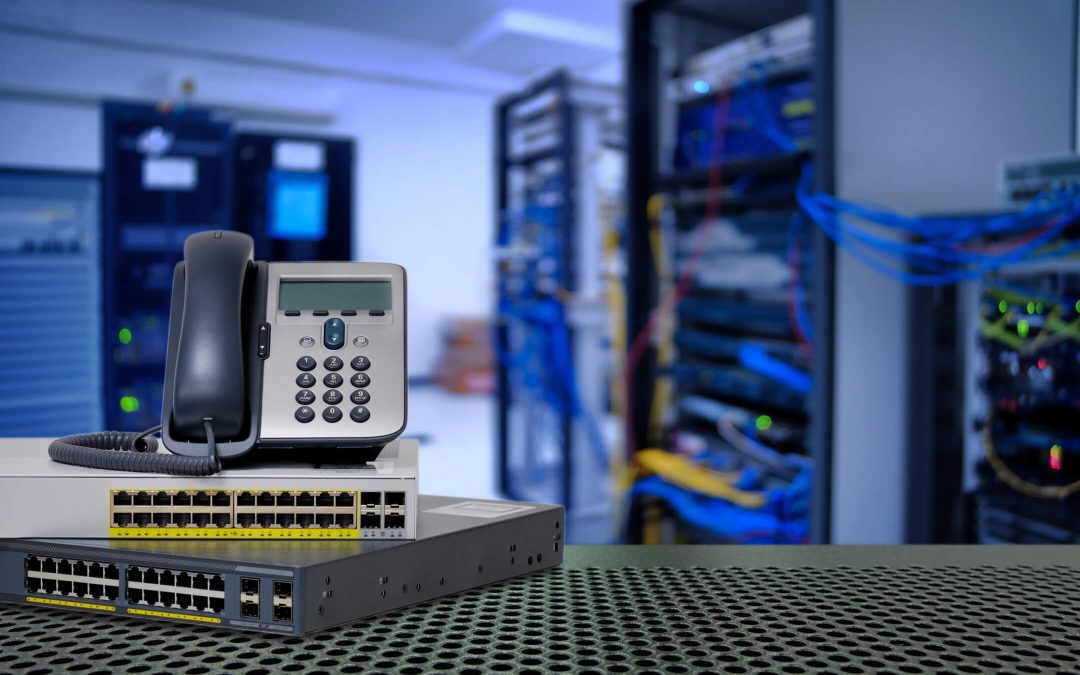
When an office manager calls us about multi-line phone systems Okanagan businesses can rely on, the first thing I ask isn’t which brand they want. It’s how many calls need to happen at the same time, and where the people answering them sit. The short answer is that most small and mid-sized offices today choose a cloud-based system, some keep an on-premise NEC system because it still does the job, and a few run a hybrid while they move from one to the other. Here’s how we help you pick.
What ‘multi-line’ really means now
Twenty years ago a multi-line system meant physical phone lines coming into the building, with a key system or a PBX in a closet sharing them across desks. Today the word covers two different setups. An on-premise system still has hardware on site, with lines delivered over copper, SIP trunks or both. A cloud system has no phone server in the building. Each handset connects over your internet connection to a hosted platform, and ‘lines’ become call paths you can add or remove as you go.
Both can ring several phones at once, transfer, park and hold calls, run an auto attendant and send voicemail to email. So the question isn’t whether you can get those features. It’s where you want them to live.
How many lines does your office actually need?
As a general rule, you don’t need one line per person. You need enough call paths for your busiest hour. A six-person office in Penticton that mostly emails may be fine with two or three. A property management office in Kelowna that takes tenant calls all day may need more call paths than it has staff.
Here’s what we look at before quoting:
- Peak call volume. Who answers, and how often do two or three calls land at once?
- Who works away from the desk. Field staff, remote staff and people who move between locations change the answer.
- Call flow. Do calls need a menu, ring groups, or a front desk that sees who’s on the line?
- Your internet. Cloud calling rides on your connection, so we check the quality of it before we recommend anything.
Cloud, on-premise or hybrid: the honest comparison
Cloud multi-line phone systems
We install and support the Elevate cloud platform. There’s no phone server in your building, so there’s nothing to maintain on site. Desktop and mobile apps let staff answer the office number from a cell phone or laptop. Adding a line for a new hire is a change in software rather than a service call. Because it depends on your internet connection, a solid network matters more than it did with copper lines.
On-premise NEC multi-line phone systems
Plenty of Okanagan offices still run an NEC SL2100 or SV9100, and for good reason. The hardware is dependable, the handsets are familiar, and we provide maintenance, extension programming and parts for these systems. If your system works and your needs haven’t changed, an upgrade isn’t automatically the right call.
Hybrid multi-line phone systems
A hybrid setup keeps the NEC system in place while some users or locations move to the cloud. We often use it when an office is adding a second site in Vernon or West Kelowna, or when staff want to answer from home without replacing every handset. It also lets you move at your own pace rather than switching everything on one weekend.
What happens to your existing phone numbers
This is the question we hear most. In almost every case you keep your numbers. We handle the porting of your existing lines, toll-free numbers and direct extensions to the new system. The one rule that matters is to keep your current service active until the transfer is complete, which is also the CRTC’s guidance on keeping your number when you switch providers. We time the cutover so your callers never hit a dead line.
Where multi-line phone systems Okanagan offices run fit the rest of your setup
A phone system is only as good as the wiring and network under it. For a cloud system that means checking your internet, your switch and your Wi-Fi before the phones arrive. For an on-premise system it often means tidying the cabling in the closet. Our team does the structured cabling and network work as well as the phones, so one call covers the lot. If you want staff to take calls inside Microsoft Teams, the cloud platform integrates with it too.
Winter is also worth planning for. Power outages and storms hit the valley every year, and the two system types behave differently when the lights go out. Our post on planning an Okanagan business phone system for winter outages goes into that in detail.
When to call a technician
Call us when your current system can’t add a line or a user, when staff are missing calls because they’re away from the desk, when you’re opening a second location, or when the maintenance bill on an old system keeps climbing. The multi-line phone systems Okanagan offices ask us about most are a mix of all three types, and we support each of them. We’re also the people to call when an NEC system throws an error you can’t clear, or when call quality on a cloud system has dropped and you suspect the network.
You can read more on our cloud-based phone systems and VoIP page and our premise-based phone systems page, or see what we do around Penticton.
Multi-line phone systems FAQ
How many phone lines does a small office in the Okanagan need?
Enough call paths for your busiest hour, not one line per person. Many small offices in Penticton or Kelowna do well with two or three call paths, while a busy front desk or dispatch office needs more. We look at who answers calls, how often calls overlap and who works away from the desk before we recommend a number.
Can I keep my business phone number if I switch to a cloud system?
Yes, in almost every case. We handle the porting of your existing lines, toll-free numbers and direct extensions. The main rule is to keep your current service active until the transfer is finished, so there’s no gap. We time the cutover so callers reach you throughout.
Is a cloud phone system reliable enough for an office in Penticton or Vernon?
For most offices, yes, provided the internet connection and network are up to it. That’s why we check your connection, switch and Wi-Fi before we install. A cloud system also lets staff answer the office number from a cell phone or laptop, which helps when someone is out of the building or the power is off.
Do I have to replace my NEC phone system?
No. If your NEC SL2100 or SV9100 still does what you need, we maintain it, program extensions and supply parts. Many offices keep their NEC system for years. If you later want cloud features for some users, a hybrid setup lets you add them without replacing every handset at once.
What does a hybrid phone system look like for a business with two Okanagan locations?
Usually the main office keeps its on-premise system while the second location, say in Vernon or West Kelowna, runs on the cloud platform. Calls transfer between them, and staff at either site can answer the main number. It’s a practical way to add a site or remote staff without starting over.
What happens to a multi-line phone system during a power outage?
It depends on the system. An on-premise system needs power in the building, so a battery backup matters. A cloud system keeps working on the platform side, and staff can answer the office number from a cell phone or laptop even if the office is dark. We plan for this with every Okanagan install, because winter outages are a yearly event here.
Ready to talk about your system? Call ProTel Technologies at 250-488-0022 or request a quote.
Kalem Burns, Owner, ProTel Technologies