
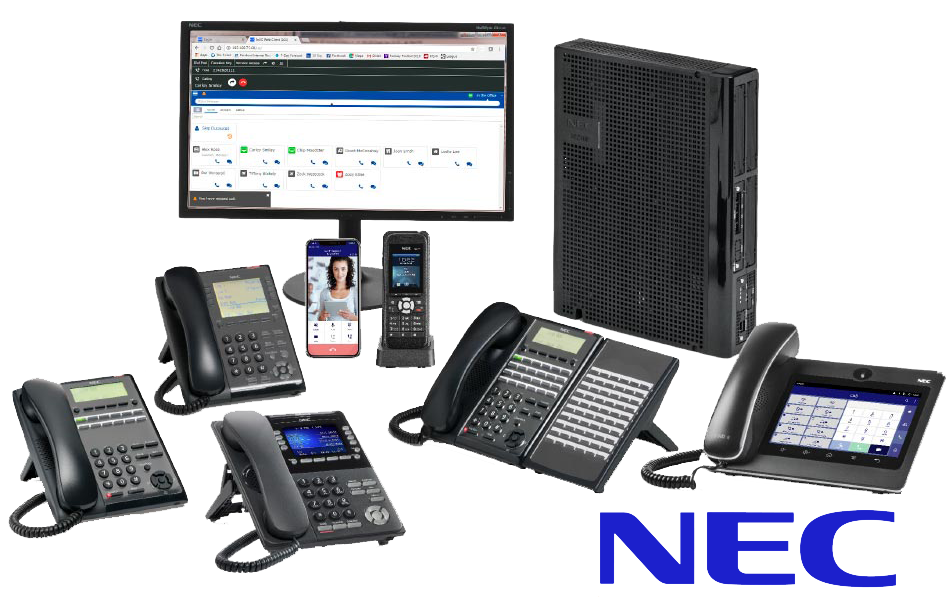
A lot of Okanagan offices still run an NEC SL1100 phone system, and most of them run it well. The system is sturdy and the handsets are simple. Once it’s programmed, it tends to sit quietly for years. The trouble starts when the person who knew the settings leaves. Suddenly nobody remembers how to change the greeting or forward the main line. This post explains where the SL1100 guides live, what you can safely handle in-house, and when to call us.
Where to find the NEC SL1100 phone system guides
We host the NEC documents our customers ask for most on our documents page. For the SL1100 there are three:
- SL1100 Telephone Quick Reference. The one to keep at the front desk. It covers the everyday handset tasks staff ask about.
- SL1100 InMail Voicemail Quick Reference. Everything about mailboxes, greetings and picking up messages.
- SL1100 Administration Guide. The system-level manual for whoever looks after the phones in your office.
If your office runs the SL2100, SV8100 or SV9100 instead, the matching guides are on the same page. Print the quick reference and tape it near the main phone. Half of the support calls go away.
What office staff can usually handle
As a general rule, anything on the handset or in a personal mailbox is fair game for staff. With the quick reference in hand, that usually means things like:
- Recording or re-recording a personal voicemail greeting.
- Changing a mailbox password. Please don’t leave the default in place. The Government of Canada’s Get Cyber Safe guidance on passwords and PINs applies to voicemail too.
- Transferring a call, putting a caller on hold and picking a call up from another desk.
- Checking which line keys ring where, so you can describe it when you call us.
Keep a note of what was changed and when. The call we get most often after a staff change is ‘the phones used to do this and now they don’t.’ A short log saves everyone an hour.
What to leave to a technician
System-level programming is where offices get into trouble. That includes the main auto attendant, the after-hours schedule, where the main number rings, adding or moving an extension, and the system clock after a time change. All of it lives in the administration side of the SL1100. The administration guide explains it, but one wrong entry can send every call to the wrong place or silence a line. It’s also hard to undo without knowing the previous setting.
Our team has worked on NEC systems across Penticton, Kelowna and Vernon for a long time. Most of those changes take us a few minutes, remotely or on a quick site visit. We’d rather do that than have you discover on Monday that the overnight greeting is still playing.
Keep the SL1100, or move to the cloud?
The SL1100 is an older platform. It still does the job for many small offices. However, parts and replacement handsets get harder to find each year, and softphones, mobile apps and video meetings aren’t part of it. We support premise-based NEC systems and we also install cloud phone systems, so we don’t push one answer.
Here’s how I usually frame it. If the system does what you need and the handsets are in good shape, keep it and keep it maintained. If you’re adding staff or opening a second location in Kelowna or West Kelowna, it’s worth comparing a cloud phone system. The same goes if you want calls to follow people to their cell phones. Your numbers can move with you either way. For more on keeping phones reachable through a storm, see our post on planning an Okanagan business phone system for winter outages.
When to call a technician
Call us if the main number isn’t ringing where it should. Call if the auto attendant or after-hours greeting is wrong and nobody knows how to fix it. Also call if a handset or line card has failed, if you need an extension added or moved, or if you’re planning an office move. We also handle the unglamorous jobs, like backing up the system programming before anyone changes anything. Our premise-based phone systems page covers what we support. We’re in the office Monday to Friday, 8 a.m. to 5 p.m., at 2531 Cornwall Dr in Penticton.
NEC SL1100 phone system FAQ
Does ProTel still support the NEC SL1100 phone system in the Okanagan?
Yes. We support premise-based NEC systems for offices in Penticton, Kelowna, West Kelowna, Vernon, Oliver and Osoyoos. We also host the SL1100 administration guide, telephone quick reference and InMail voicemail quick reference on our documents page. If your office runs an SL1100, call us before making system-level changes.
Where can I download the NEC SL1100 manual or quick reference?
The SL1100 Administration Guide, Telephone Quick Reference and InMail Voicemail Quick Reference are all on the ProTel documents page at proteltech.ca/documents. The quick references are short enough to print and keep by the main phone. That’s what we suggest for front desk staff.
Can my staff change the voicemail greeting on an NEC SL1100 themselves?
Usually, yes. Personal mailbox greetings and passwords are handset-level tasks covered in the InMail Voicemail Quick Reference. The main company greeting and the auto attendant are system-level settings. For those, we suggest calling us rather than working through the administration guide on your own.
How do I forward my office phone to my cell in Penticton after hours?
It depends on how your system was programmed, because forwarding can be set at the handset or at the system level. Check the Telephone Quick Reference for the handset method first. If the main line needs to follow someone after hours, that’s a system setting. We can set it up so it switches on a schedule.
Should a Kelowna office replace its NEC SL1100 with a cloud phone system?
Not automatically. If the system works and everyone sits in the office, keeping it maintained is a reasonable choice. If you’re growing, adding a second location or want calls on cell phones, a cloud system is worth comparing. We install both, so we’ll give you a straight answer for your situation.
What happens to my NEC SL1100 settings during a power outage?
The programming is stored in the system, so settings normally survive an outage. What stops is the phones themselves, unless the system has battery backup. After a longer outage, check the clock and the auto attendant schedule. A time change can affect how after-hours calls are routed.
Ready to talk about your system? Call ProTel Technologies at 250-488-0022 or request a quote.
Kalem Burns, Owner, ProTel Technologies